Watch it first
The whole module in under a minute
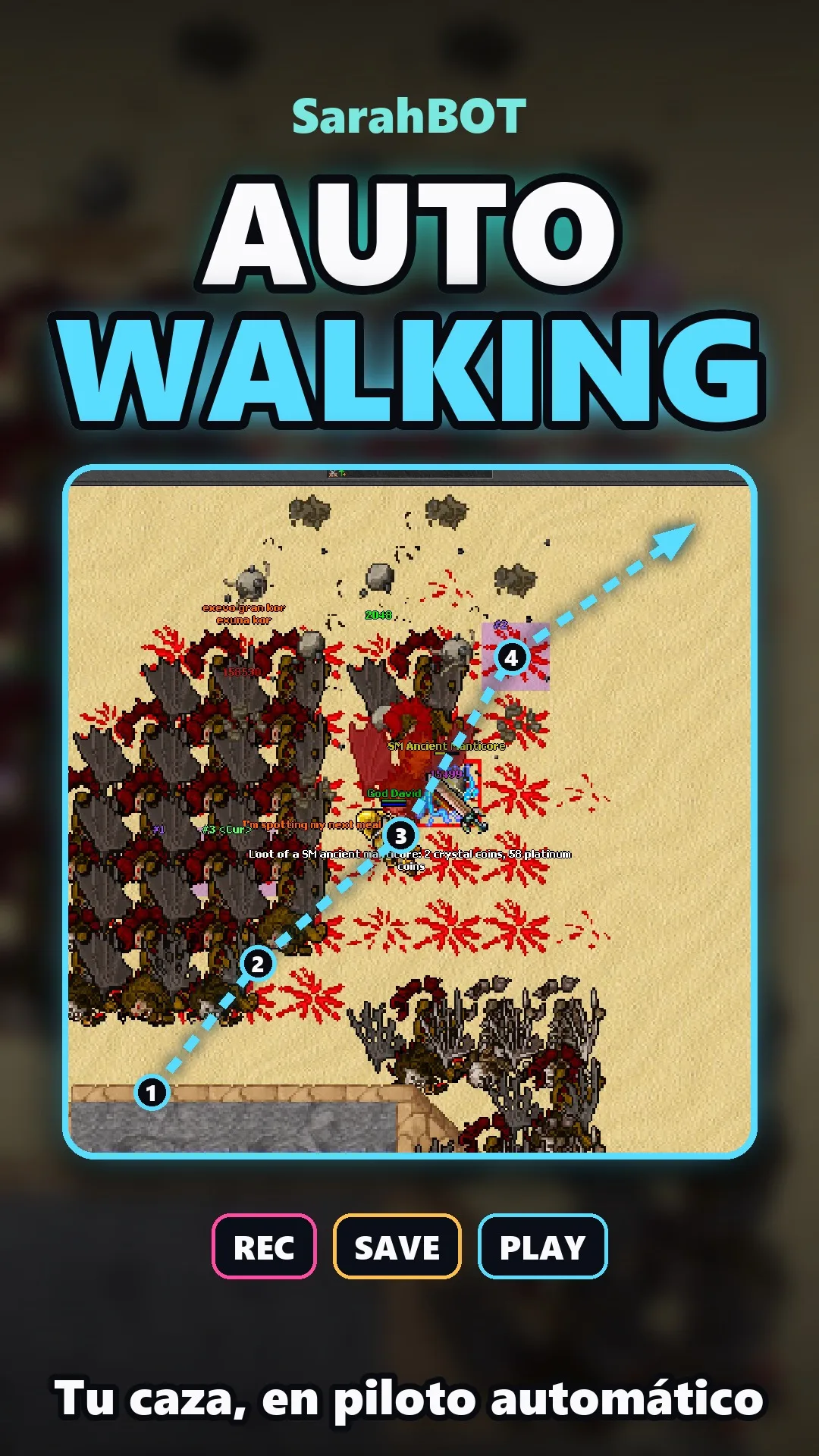
This short video records a route, saves it, loads it and plays it in a real hunt. The video only loads when you press play.
Before you start
What your plan includes
- Walking is included in the MIKU plan, with no waypoint limit.
- Saving and loading paths is included in MIKU too.
- You are logged into the game and the bot is logged in with Discord.
Press Ctrl + I to show the SarahBOT panel and click
WALKING. You will find it in
the Frequent and
Movement groups.
Record a route
Walk it once
Start clean
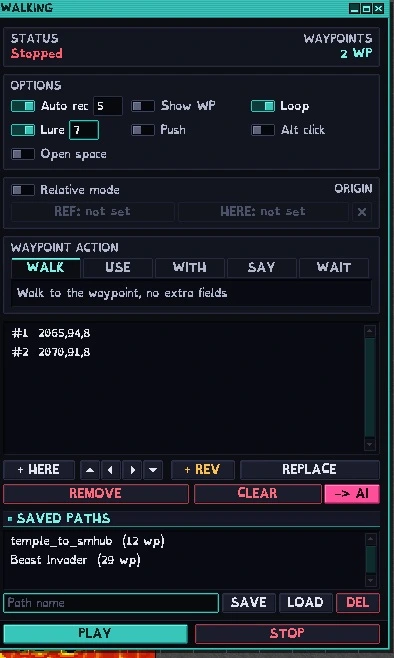
Press CLEAR to empty the waypoint list before recording a new route.
Turn on Auto rec and walk
Check Auto rec and walk your hunt as you normally would. A
waypoint is saved every 5 steps (change the number next to
the box) and every time you change floor. Uncheck it when you are done.
Add exact points with + HERE
For a spot that must be exact, stand on it and press + HERE. The arrow buttons next to it add a waypoint one tile north, west, east or south of you.
Fix mistakes
Click a row to select it and press REMOVE. + REV adds the same route backwards at the end, handy for a there-and-back hunt.
Options
The checkboxes on top
Monsters marked with W in the Targeting list do not count toward the Lure limit.
Save & load
Never record the same hunt twice
Save
Type a name in the box under Saved Paths and press SAVE. The route appears in the list with its number of waypoints.
Load
Another day, click the route in the list and press LOAD. Your waypoints come back exactly as you saved them.
Delete
Select a route and press DEL to remove it.
Waypoint actions
Stairs, ropes and NPCs
Most routes only need plain walking. When the route has to climb, use an item or talk, pick the action in Waypoint action before adding that waypoint with + HERE.
| WALK | Just walks to the waypoint. This is the default. |
| USE | Uses what is on the tile: stairs, ladders, doors, holes. |
| WITH | Uses an item from your inventory on the tile, such as a rope or a shovel. Type the item ID. |
| SAY | Says a text or spell on the waypoint, for example hi or a spell. |
| WAIT | Waits there the milliseconds you type before moving on. |
Some actions also take an optional CONFIRM position: the
tile where you should end up (for example, the floor a ladder takes
you to). The bot uses it to check the action worked.
Run it
Play, watch, stop
Press PLAY
The status shows Walking to #1, then each waypoint in
turn. With Lure on you will also see Killing lure while
it fights.
Stop whenever
STOP stops the walk.
FAQ
When the route goes wrong
Auto rec stopped adding waypoints.
SAVE or LOAD does nothing.
It walks past monsters without fighting.
W in Targeting are not counted.
It gets stuck on a ladder, rope spot or hole.
It walks the route once and stops.
Still stuck? Active subscribers can DM the
SarahBOT Discord bot directly,
or ask in #support.